
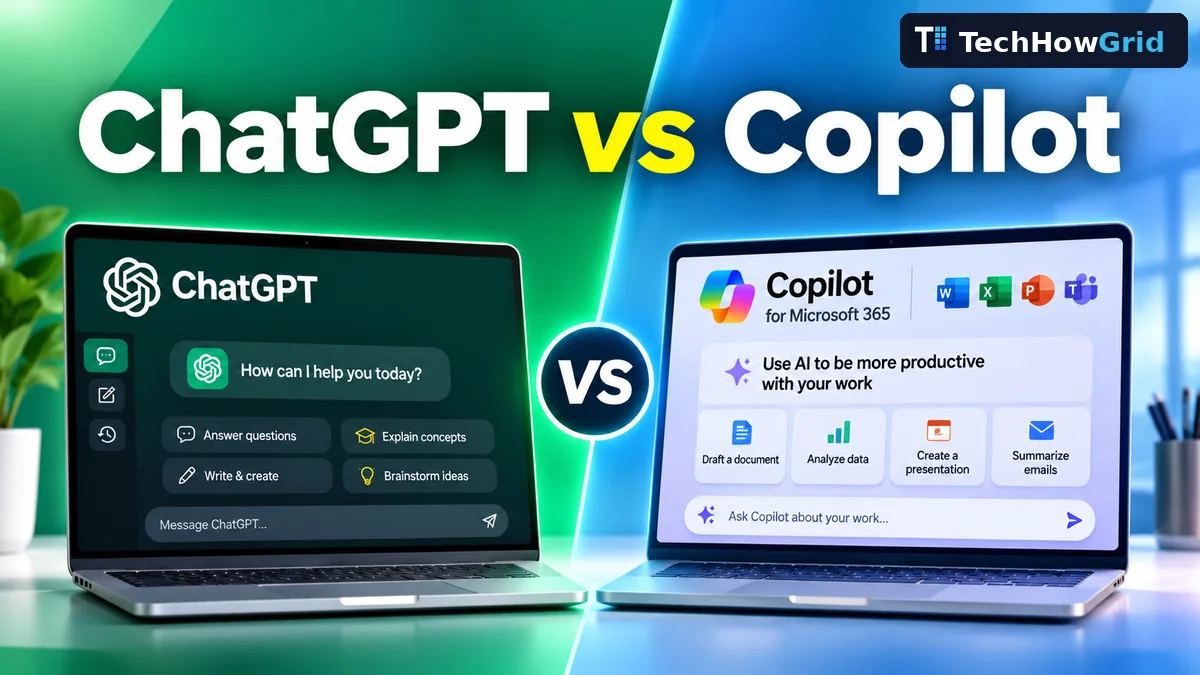
ChatGPT vs Copilot comes down to how you work. ChatGPT is a flexible choice for general questions, writing, learning, coding help and analyzing files across different workflows. Microsoft Copilot is particularly useful when you already work in Microsoft’s ecosystem, especially if your Microsoft 365 subscription includes the Copilot features you need inside Office apps. Both offer free access, and both have limits that depend on your account.
This comparison explains what each product can do, which subscriptions to check and how to evaluate them using your own tasks. It compares Microsoft Copilot, not GitHub Copilot, except where the difference is explained. Product information was reviewed against official documentation on November 27, 2026. The worked examples are reproducible scenarios, not claims of a hands-on benchmark or measured performance.
In this guide
ChatGPT vs Copilot: quick comparison
| Feature | ChatGPT | Microsoft Copilot |
|---|---|---|
| Everyday AI questions | Yes, standalone assistant | Yes, standalone assistant |
| Writing and brainstorming | Flexible drafting and iterative editing | General drafting plus eligible Office workflows |
| Web research | Search and research tools, subject to limits | Web-based answers and Microsoft ecosystem features |
| File analysis | Upload supported files and ask questions; limits vary | File and document support depends on account and license |
| Excel and Word | Explain formulas, draft text and work with supported files | In-app assistance on eligible Microsoft 365 plans |
| Work email and meetings | Depends on connected apps and permissions | Eligible work licenses can use organizational context |
| Coding | Code explanations, debugging and eligible Codex tools | General coding help; GitHub Copilot is a separate product |
| Free access | Yes, with tool limits | Yes, with feature limits |
The main difference is workflow integration, not a universal advantage in intelligence. Both assistants can produce inaccurate information, and their capabilities evolve. Evaluate the exact version you have rather than assuming all users receive the same features.
Which Microsoft Copilot are you comparing?
The name Copilot appears on several Microsoft products. Comparing them as if they were one identical service leads to misleading advice about pricing, document access and privacy.
- Microsoft Copilot: The consumer assistant available through its own website and apps, including Edge experiences.
- Copilot in personal Microsoft 365 subscriptions: AI assistance in supported productivity apps for eligible subscribers, with plan-specific allowances.
- Microsoft Copilot Chat for work: An enterprise-oriented chat experience available with eligible organizational subscriptions; its capabilities depend on the assigned license and administrator settings.
- Microsoft 365 Copilot: A work-focused experience that can draw on permitted organizational content and offer additional in-app functionality when appropriately licensed.
- GitHub Copilot: A separate developer product focused on software development workflows.
Check Microsoft’s guide to the different Copilot experiences before comparing subscriptions. For organizational licensing, consult Microsoft Learn’s Copilot Chat overview.
ChatGPT vs Microsoft Copilot: features and real-world workflows
1. Writing, brainstorming and learning
Either assistant can draft an email, outline an article, explain a technical concept or help revise a paragraph. ChatGPT is a natural starting point when your work spans many formats and you want an ongoing conversation about a topic. Copilot may reduce switching between applications if the draft is already in a supported Microsoft 365 app.
Compare how well the response follows your requested tone, audience and length. A polished paragraph is not necessarily a correct paragraph; verify facts, dates and figures before using it.
2. Excel, data analysis and reports
ChatGPT can help design a formula, interpret an uploaded spreadsheet and explain an analysis, depending on available file tools. Copilot in Excel can help with supported spreadsheet tasks within the workbook itself, provided the subscription, file setup and app version meet the requirements.
For a formula you want to understand, a standalone chat is often enough. For repeated editing of a workbook already in Microsoft 365, in-app assistance may be more convenient. Neither assistant should replace checking the original data, formula ranges and totals. See our ChatGPT for Excel guide for more examples.
3. Word, PowerPoint, Outlook and Teams
If a report, presentation or email thread is already in a Microsoft 365 work environment, eligible Copilot features can use relevant context without requiring the user to manually reproduce everything in a chat. Access still depends on licensing and permissions. This can be useful for teams with established Office processes.
ChatGPT can also help plan presentations, revise documents and prepare email drafts using material you provide or authorized connected tools. Confirm available integrations before assuming it can open a particular file or edit it directly. Our guides on using ChatGPT with Word and creating PowerPoint presentations explain standalone workflows.
4. Web research and sources
Both assistants offer ways to consult web information. For current questions, ask for dated primary sources and inspect the linked material. A citation may be relevant to the topic without actually supporting the specific claim. Search and research depth vary by product, plan and availability.
5. Coding and troubleshooting
For explaining a Python function, debugging an error or designing a simple script, either general assistant may be useful. If you need suggestions inside a code editor, repository-aware assistance or developer-specific workflows, compare GitHub Copilot and ChatGPT’s eligible coding tools separately. Do not assume consumer Microsoft Copilot includes every GitHub Copilot feature.
Three practical prompt examples to compare the assistants
Use the same inputs and instructions in both products. These examples use invented data and are intended to help you conduct your own comparison.
Example 1: Check an Excel calculation
| Product | Units | Unit price |
|---|---|---|
| Keyboard | 12 | 25 |
| Mouse | 20 | 10 |
| Monitor | 3 | 180 |
My Excel sheet has Product in A, Units in B and Unit Price in C. Rows 2–4 contain Keyboard, 12, 25; Mouse, 20, 10; Monitor, 3, 180. Give me the formula for line totals in column D and the grand total. Explain how to verify the result.
Expected result: D2 uses =B2*C2, filled down to D4. The line totals are 300, 200 and 540. The grand total is 1,040 using =SUM(D2:D4). Judge each assistant on correct cell references, arithmetic and clarity. If comparing in-app Excel features, enter the same table into a blank workbook and review any edits before accepting them.
Example 2: Turn meeting notes into actions
Summarize these fictional meeting notes into a table with action, owner, deadline and open questions: Maya will send the draft by Friday; Leo must confirm the budget, but no date was agreed; the launch date remains undecided. Do not invent details.
The output should identify Maya’s Friday deadline, mark Leo’s deadline as unspecified and retain the undecided launch date as an open question. For a real meeting, only share notes in an approved environment. If your work Copilot can access the meeting context, confirm the transcript and permissions first.
Example 3: Research a software purchase
Compare the currently available individual AI subscription options for someone who writes documents and analyzes spreadsheets. Use official product pages, identify which features require a subscription, state the date checked and do not assume regional prices.
Check whether the sources support the quoted features and whether pricing matches your location and billing cycle. An assistant that admits a missing price is more useful than one that invents a precise number.
ChatGPT vs Copilot free and paid plans
Both offer no-cost ways to start. ChatGPT also offers paid individual plans, including Go, Plus and Pro, with different usage allowances and tools. Microsoft offers consumer Copilot access and includes AI capabilities in selected Microsoft 365 subscriptions. Work subscriptions and add-on licensing are separate decisions.
| Option | What to verify before paying |
|---|---|
| ChatGPT Free | Whether file, image, research and other tool limits cover your tasks |
| ChatGPT Go, Plus or Pro | Local price, billing cycle, additional tools and usage allowances |
| Microsoft Copilot free | Available consumer features and limits |
| Microsoft 365 personal subscriptions | Whether your plan and account include the Office integration you need |
| Microsoft 365 work licensing | Existing entitlement, required add-on, administrator controls and any usage-based fees |
For current subscription costs, compare OpenAI’s official ChatGPT pricing with Microsoft’s individual Copilot plans. Prices and entitlements can differ by country, billing term, account and promotion. Some Microsoft 365 Family AI features are reserved for the subscription owner, so do not assume every member gets the same in-app access.
A practical cost comparison uses the additional cost above subscriptions you already pay for. If your current Microsoft 365 plan includes the specific capability you need, you may not require another subscription. If you do not rely on Office, a standalone AI subscription may be the more relevant purchase. Test the free versions before committing.
Privacy and business data
Do not upload customer records, confidential contracts, payroll information or proprietary code to an AI assistant unless your organization permits it. Personal and business accounts have different data policies and controls. Verify the terms that apply to your exact service rather than assuming all AI chats are private in the same way.
For ChatGPT, review Data Controls and the file upload guidance. For Microsoft work accounts, check the organization’s assigned Copilot license and data protection settings. Existing access permissions matter: an assistant connected to organizational documents is not a substitute for proper file sharing controls.
When evaluating AI at work, begin with fictional or approved sample data. Record where files are stored, which accounts can access them, and whether outputs must be reviewed before they are sent externally.
Which should you choose: ChatGPT or Microsoft Copilot?
| Your main use | Suggested starting point |
|---|---|
| General learning, writing and varied independent tasks | ChatGPT |
| Frequent Office document and email work | Eligible Microsoft 365 Copilot |
| Occasional web questions | Try both free versions |
| Spreadsheet formulas and learning | Either; compare on a small sample |
| Organization-wide Microsoft 365 workflows | Evaluate work Copilot licenses and permissions |
| Programming in an IDE | Compare dedicated developer tools separately |
Run a short trial with three tasks you complete every week. Score each assistant from 0 to 2 for accuracy, how much manual editing is needed, how easily it fits your existing workflow and whether it can work with approved data. Add the four scores for a maximum of eight per task. This is a personal evaluation rubric, not a published benchmark. Choose the tool that delivers better verified results for the total cost.
Frequently asked questions
Is Microsoft Copilot better than ChatGPT?
Not for every task. Copilot can be more convenient for eligible Microsoft 365 workflows. ChatGPT is a flexible choice for standalone conversations, learning and varied projects. The better option depends on your tasks and subscription.
Is ChatGPT vs Copilot free to use?
Both have free versions with limits. Paid subscriptions may provide more tools, higher usage allowances or deeper integration. Check the current official plan details before purchasing.
Is Microsoft Copilot the same as ChatGPT?
No. They are distinct products with different interfaces, integrations, policies and feature access. Even where underlying AI technology overlaps, the user experience and available context can differ.
Which is better for Excel?
For learning formulas or reviewing a small dataset, try either assistant with the same sample. For supported operations inside an existing Excel workbook, Copilot’s in-app experience may be more convenient if your plan includes it.
Is GitHub Copilot the same as Microsoft Copilot?
No. GitHub Copilot is a developer-focused service with its own features, plans and integrations. Compare it separately when your main goal is software development.
Can I use both assistants?
Yes. You can use a standalone assistant for learning and drafting, and an eligible Microsoft 365 Copilot experience for Office workflows. Follow your organization’s data-sharing rules when moving content between services.
Related AI and productivity guides
- How to use ChatGPT to summarize PDF documents
- How to use ChatGPT in Google Sheets
- How to compare two Excel sheets for differences
- How to create a drop-down list in Excel
The bottom line: start with the tool that matches your existing workflow. Use realistic test prompts, check its answers, and upgrade only when a specific paid capability saves enough time to justify the cost.